
EST. 2026 — TOOLS FOR PEOPLE WHO WORK ON CARS
Team X is a group of talented people gathered around one simple idea: build tools that make things easy — and make them nicely.
A NOTE FROM THE TEAM
Every day, workshops lose hours to software that fights back. Complicated screens. Cryptic errors. Tools built for engineers, not for the people actually doing the work.
We started Team X to change that. Each of us brings a different craft — interface design, diagnostics, low-level programming — and we pour all of it into one thing: tools that feel obvious the first time you touch them.
No noise. No clutter. Just the thing you needed done, done.
The GM diagnostic workbench. Connect with a VIN, decode the vehicle live, and get straight to work — one installer, no complicated setup.
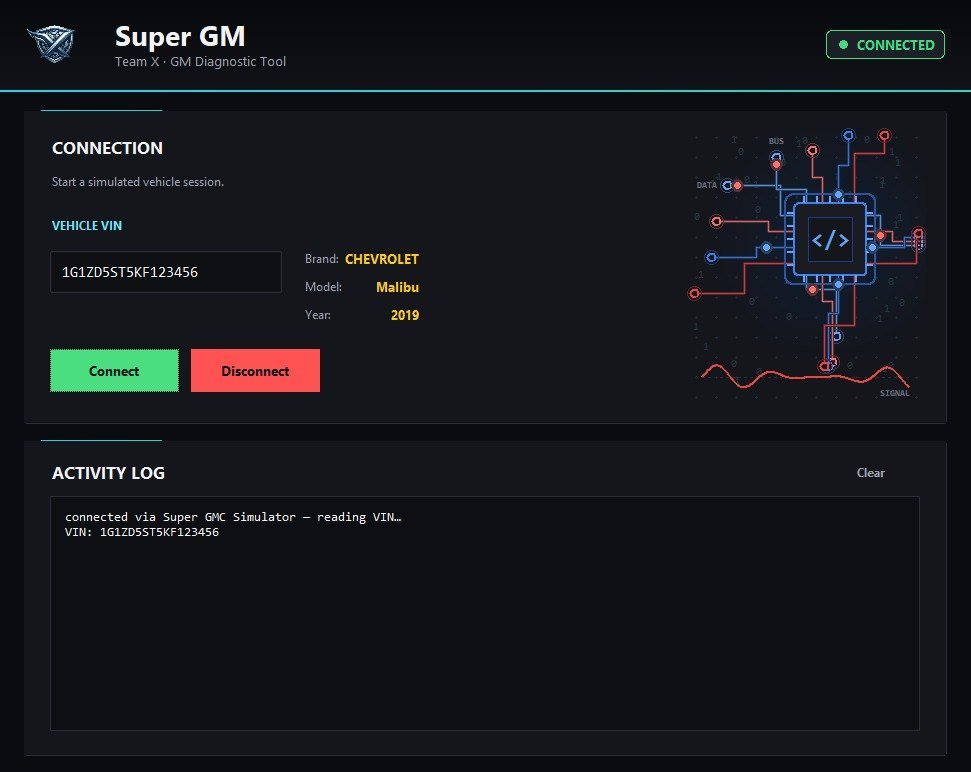
WINDOWS · SINGLE-FILE INSTALLER · DOWNLOADS APPROVED BY TEAM X · SGC LICENSE REQUIRED
The friendly way to work with IPC configuration files. Open, edit what you need, save — no hex editors, no guesswork.
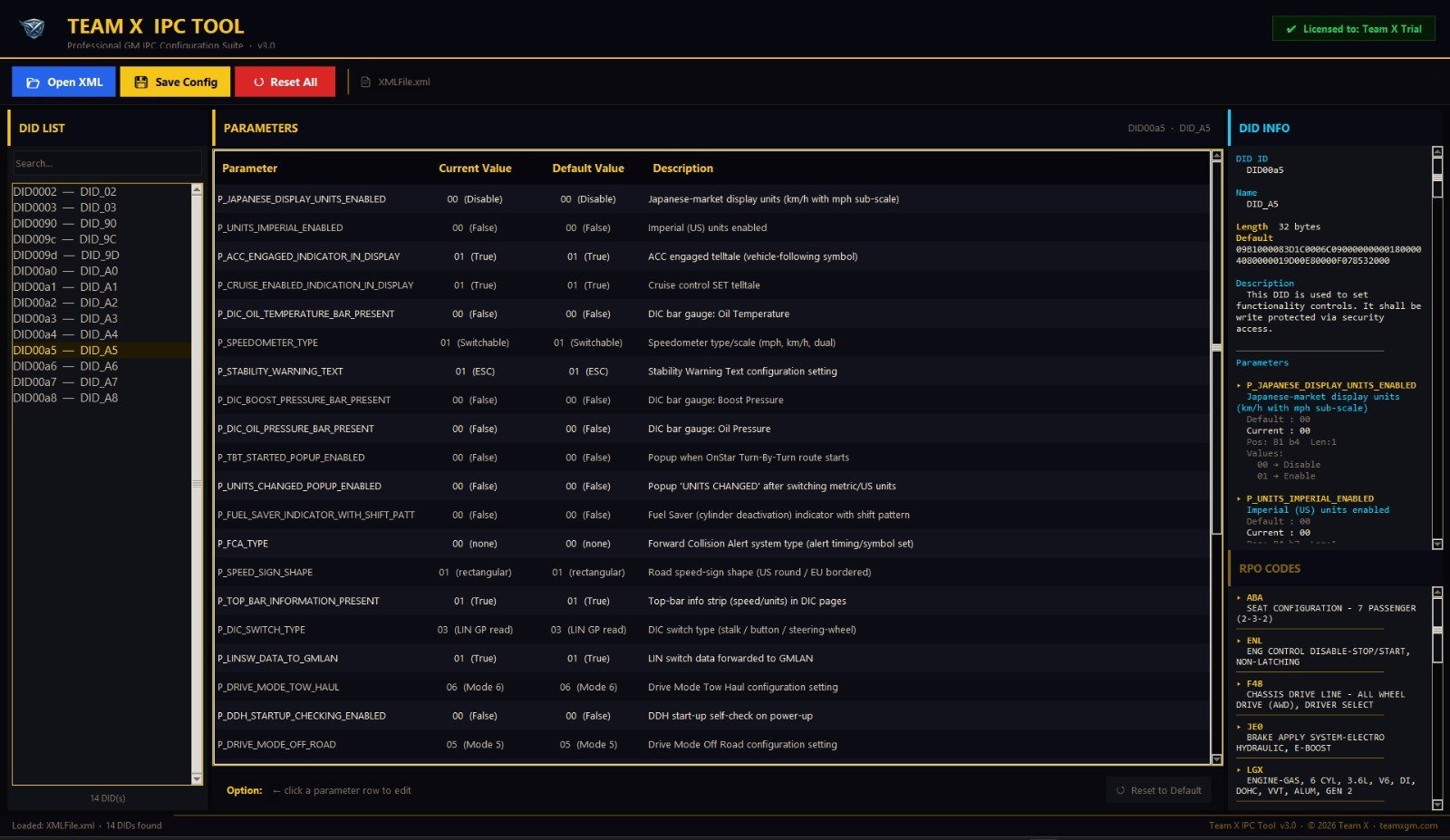
WINDOWS · SINGLE-FILE INSTALLER · DOWNLOADS APPROVED BY TEAM X · SGC LICENSE REQUIRED
Downloads are approved personally by Team X. Tell us which app you need and where to reach you — your download link arrives by email once approved.
Every app is license-controlled from this website. Pay, and it works — on your PC, for as long as your subscription runs.
Send a quick request above — once approved, your personal download link arrives by email. Each Super GM app is a single-file Windows installer.
Every customer gets a personal SGC code, locked to their PC. Enter it once on first run — done.
The app checks your subscription quietly in the background. Manage, renew or upgrade anytime at ai.teamxgm.com.
Need a license or help with yours?
Trial, weekly, monthly, six-month, yearly and lifetime plans are available for each tool — or the whole suite at once.
TALK TO US TEAM X
DEVELOPERS
TEAM X
DEVELOPERS